
Key Takeaways
- Simple smartphones help you stay connected with family while maintaining independence
- Look for phones with large displays, easy navigation, and emergency features
- Senior-specific models and mainstream phones with accessibility settings both offer good options
- Senior living communities provide Wi-Fi, tech support, and learning opportunities to help you succeed
- Choose a phone based on your vision, hearing, and comfort level with technology
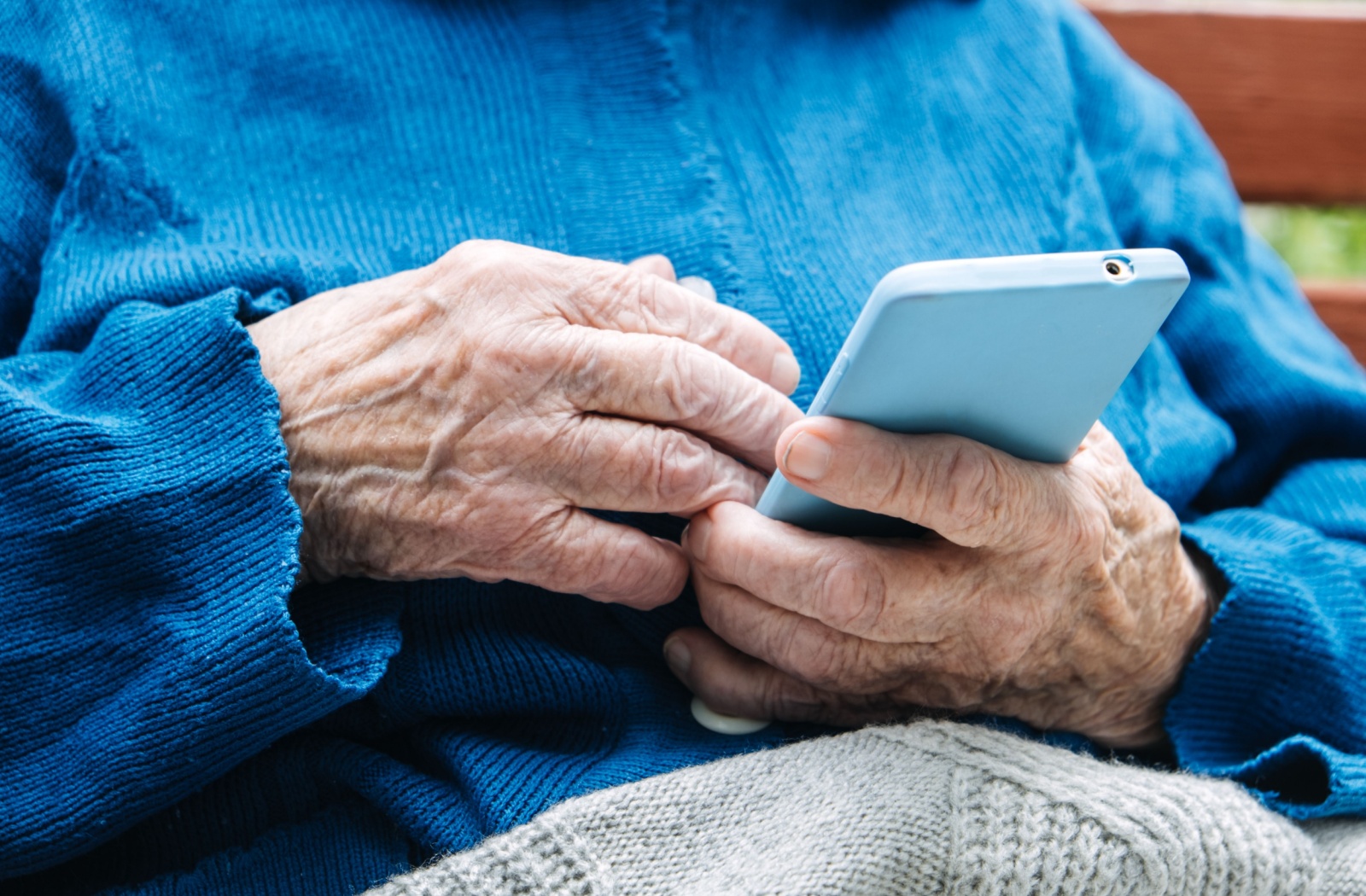
Staying connected has become easier than ever, especially with smartphones designed to simplify communication and support independence. Today’s options include mainstream phones with accessibility settings like the iPhone 16e, iPhone 17, Samsung Galaxy A series, and Google Pixel, as well as senior-specific models such as the Jitterbug Smart3, GrandPad, and Lively Smart devices.
With the right smartphone, you can make video calls, send photos, check appointments, access entertainment, and stay informed without feeling overwhelmed by technology. The key is choosing a device that matches how you like to use your phone, your comfort level with technology, and your vision or hearing needs. Whether you’re aging in place, living in independent living, or supported in assisted living or memory care, the right phone can help you stay connected and engaged in your daily community.
Why Technology Matters in Senior Living Communities
Staying connected enhances your daily life in ways that go far beyond just making phone calls. When you can easily reach family members, you maintain those precious relationships that bring joy to your day.
Your smartphone becomes a gateway to health information and emergency services when you need them most. You can also access entertainment, play games, and engage in activities that keep your mind active and engaged.
Digital tools help you maintain your independence by giving you control over your daily routine. You can check the weather, look up information, or video chat with grandchildren—all from the comfort of your apartment.
What Makes a Smartphone Simple and Senior-Friendly
The right phone features can make all the difference in your daily experience. Large, clear displays with bright screens help you see text messages and photos without straining your eyes.
Simple menu navigation means you won’t get lost trying to find the features you use most. Emergency buttons give you peace of mind, while health monitoring features can help you track important information.
Voice activation lets you make calls or send messages without fumbling with small buttons. Longer battery life means your phone stays ready when you need it most, without constant charging worries.
Top Simple Smartphone Options for Seniors
Several phone options cater specifically to your needs and preferences. Both mainstream phones with accessibility features and senior-designed models offer great solutions.
Basic Smartphones with Large Displays
The iPhone 16e is Apple’s current entry-level model in 2026, and like all iPhones, includes built-in accessibility features like larger text and voice control. Samsung offers the entry-level Galaxy A series phones, which offer an “easy mode” that simplifies the home screen and makes icons bigger.
Google Pixel phones feature a clean, simple interface that’s easy to navigate. These mainstream options give you access to popular apps while keeping things straightforward.
Senior-Specific Phone Models
The Jitterbug Smart3 was designed specifically with senior needs in mind, featuring large buttons and a simple menu system. GrandPad offers a tablet-phone hybrid that combines calling with easy-to-use video chat.
Lively Smart phones include emergency response features and 24/7 support. These specialized options often come with customer service teams trained to help you every step of the way.
How to Choose the Right Phone for Your Lifestyle

Your vision and hearing needs should guide your choice more than anything else. If you need larger text or high-contrast displays, look for phones that offer these adjustments easily.
Consider your current comfort level with technology honestly. If you’re new to smartphones, a senior-specific model might feel less intimidating than a traditional smartphone with many features.
Your budget matters too, including both the upfront cost and monthly service fees. Think about which features you’ll actually use—you don’t need to pay for capabilities that won’t enhance your daily life.
Questions to Ask Yourself Before Buying
- Do you need internet access or just calling and texting?
- How important are cameras and photo sharing to you?
- Can you use apps for health tracking or entertainment?
- Do you prefer physical buttons or touchscreen navigation?
Getting Help with Your New Smartphone
You don’t have to figure out your new phone alone. Family members and friends often enjoy teaching you how to use features like video calling or photo sharing.
Many phone stores offer setup services and ongoing support to help you get comfortable with your device. Community classes and tech support groups provide opportunities to learn alongside others who share similar questions.
Technology Support in Senior Living Communities
Assisted living and independent living communities understand that staying connected matters to you. Wi-Fi access throughout the community means your phone works reliably in your apartment and common areas.
Associates can often help you troubleshoot basic issues or connect with family members. Group classes give you opportunities to learn new features in a relaxed, supportive environment with other residents.
Feel Empowered Everyday at Village at Belmar
Choosing a simple smartphone that fits your comfort level, vision and hearing needs, and daily routine can make staying connected much easier. With the right device, you can communicate with family, access helpful apps, and enjoy entertainment without feeling overwhelmed by technology. For many older adults, these tools also support independence by making information, health resources, and safety features available right at their fingertips.
Village at Belmar provides Wi-Fi throughout our campus, technology assistance, and learning opportunities that help residents confidently use smartphones and other devices. Within our community, residents in independent living, assisted living, and memory care can attend group workshops, ask associates for one-on-one support, and stay connected from their apartment or shared spaces—without worrying about signal strength, setup challenges, or troubleshooting alone.
If you’re exploring senior living options that support a connected and independent lifestyle, we invite you to tour our community and experience how technology-forward amenities can enrich daily life. Contact us today to learn how we help residents stay engaged with the people and activities they love most.